Bluetooth HID
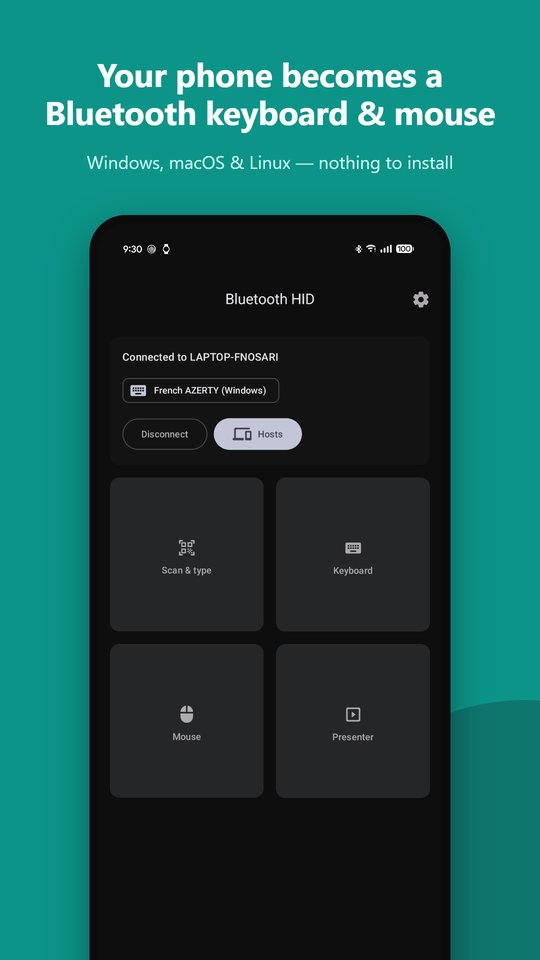
Bluetooth HID turns your Android phone into a Bluetooth keyboard, mouse and presentation remote for any computer. There is nothing to install on the computer: it pairs like a normal Bluetooth keyboard. It’s free and open source: github.com/nosari20/Bluetooth-HID.
Scan and type
Scan a QR code or barcode and type its content on your computer: Wi-Fi keys, long passwords, URLs, serial numbers, configuration strings. You see the text before it’s sent, and characters that the computer’s keyboard layout can’t type are highlighted. A progress bar, Cancel and Resume (if the connection drops) keep long texts under control.
Exact typing, every time
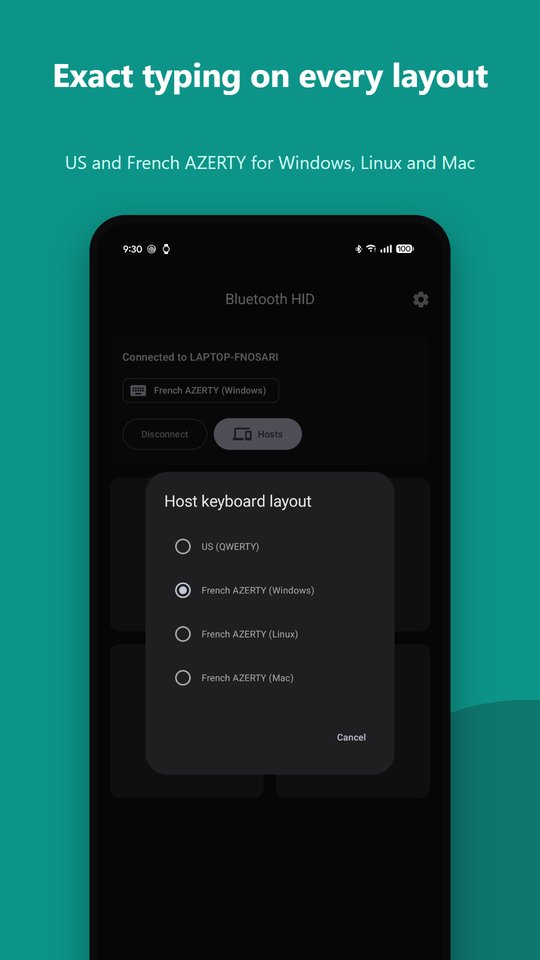
The computer’s keyboard layout decides which character each key prints, so the app types for the layout you choose and remembers it per computer: US QWERTY and French AZERTY (Windows, Linux and Mac variants). Accented letters (é, è, à, ç, ê, ï…) are supported. Repeated characters and Shift/AltGr changes are handled, and keys are never left stuck down.
Keyboard
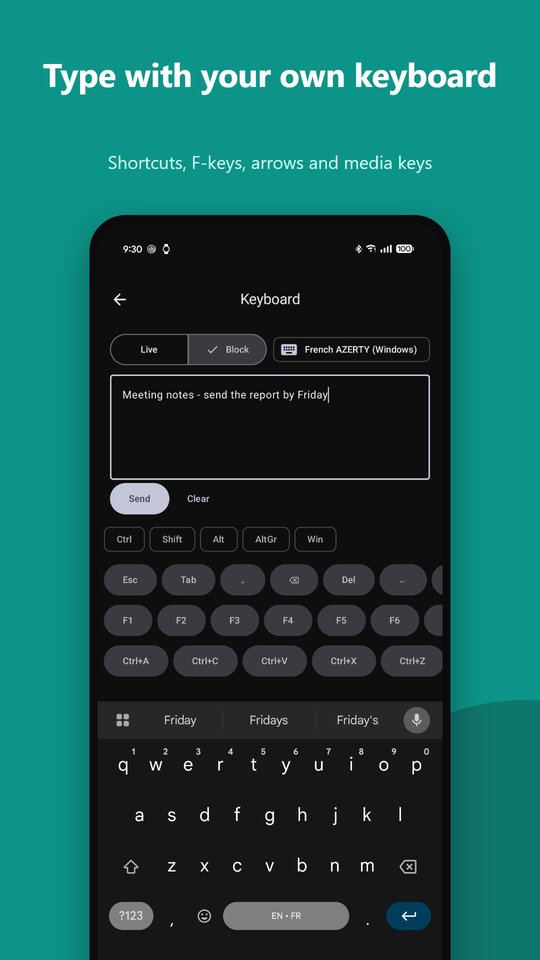
Type with your usual Android keyboard (swipe and voice typing work) and the text appears live on the computer, or write a block of text and send it in one go. A special-keys bar gives you Esc, Tab, arrows, Home/End, Page Up/Down, F1–F12, sticky Ctrl/Shift/Alt/AltGr/Win (⌘), common shortcuts and media keys.
Mouse
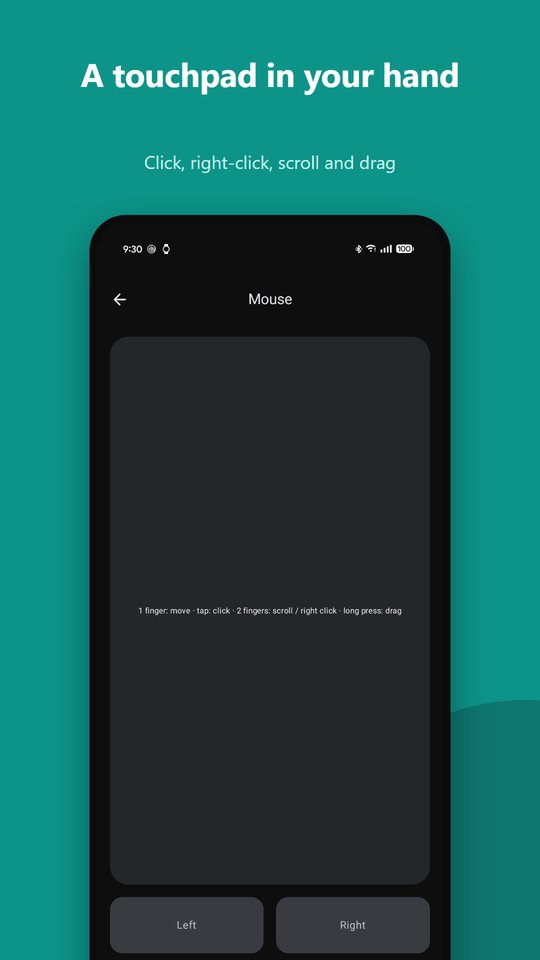
A touchpad with pointer acceleration: tap to click, two-finger tap for right-click, two-finger scroll, long-press to drag, and hold-to-drag buttons.
Presenter
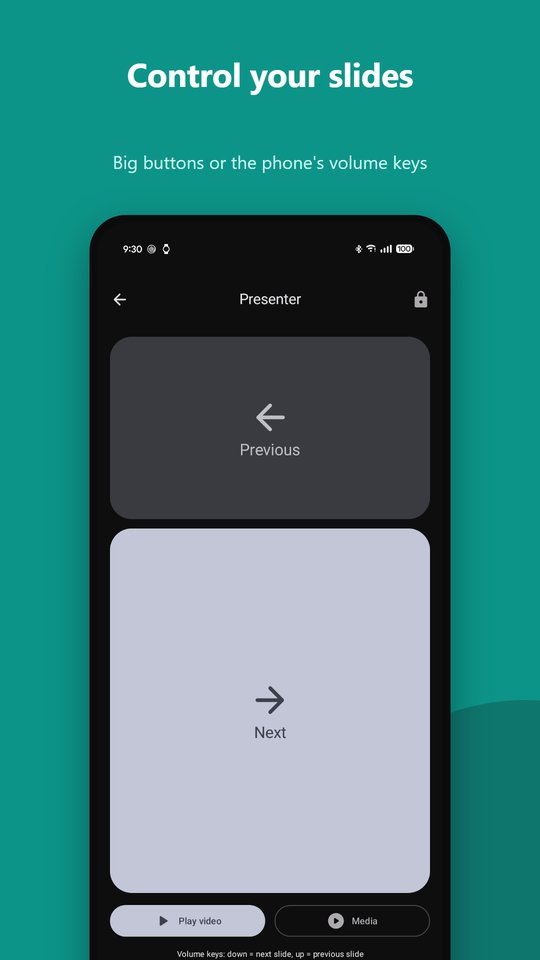
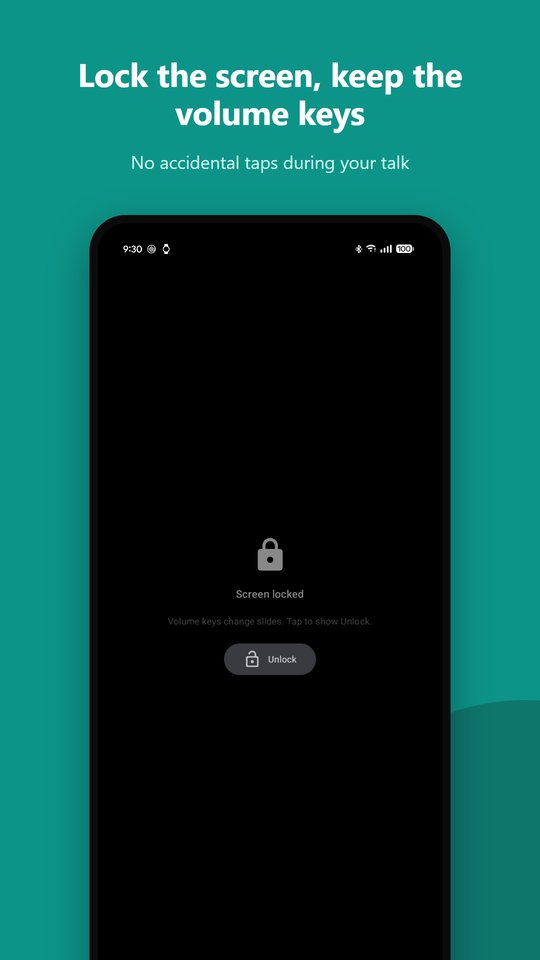
Big Next and Previous areas for PowerPoint, Keynote, Google Slides and PDF viewers. The phone’s volume keys change slides too, with a short vibration on each change. You can play videos embedded in PowerPoint, and lock the screen YouTube-style so that only the volume keys work during your talk.
Private by design
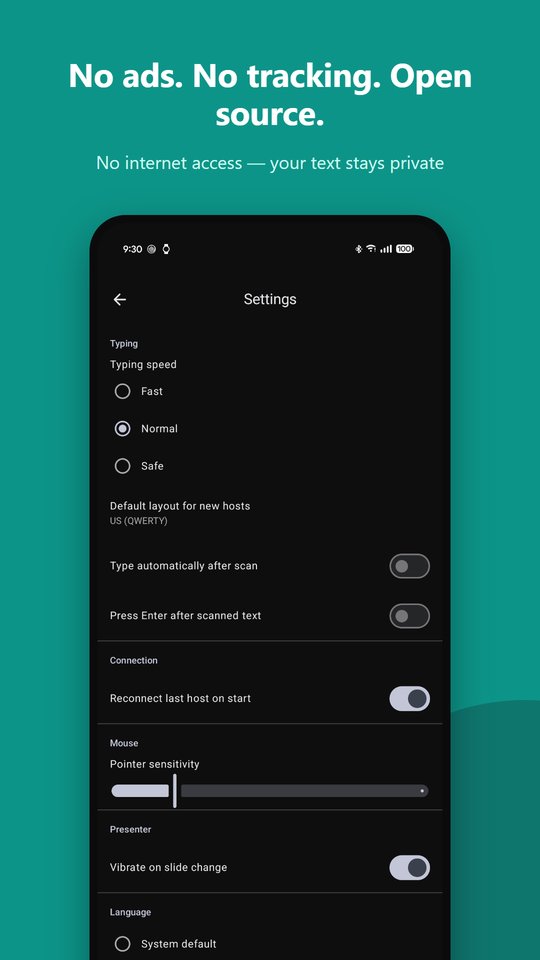
No internet permission, no ads, no analytics. Your text goes only to the computer you connected. See the privacy policy.
Requirements
Android 16 or newer with Bluetooth HID device support (Pixel phones and most recent devices), and a Windows, macOS or Linux computer with Bluetooth.
Tip: if typing does nothing after using another keyboard app on the same computer, remove the phone from the computer’s Bluetooth devices and pair again.